
The easiest way to install WordPress
Manage the content of your website, blog or shop is really simple with applications like WordPress, this is because they care of all the technical part behind the front end, allowing you to manage the website easily and without the need of any kind of programming knowledge.
To proceed with the installation of WordPress you will need to go to our domain manage panel, and once inside, click on Applications"- Install Application button.
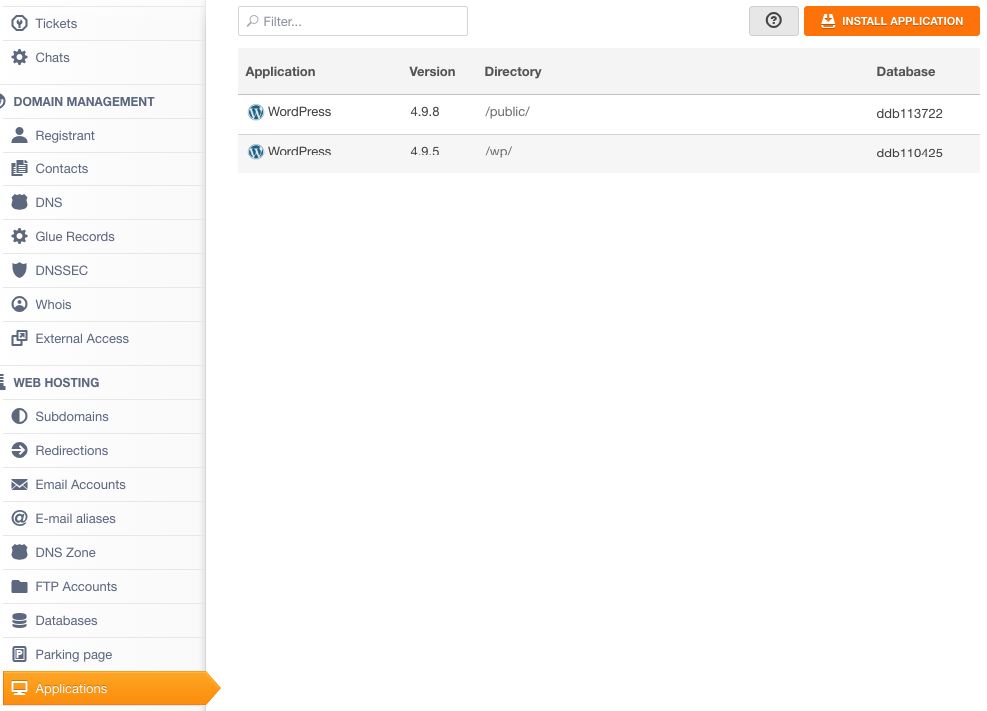
Next, we will search for WordPress and click on Install

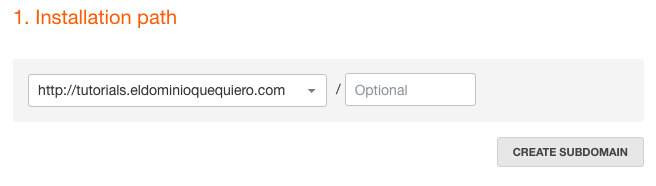
On the next screen, we need to select the Installation path, on the drop down menú we can see all the available options, and with the Create Subdomain button we can create a new one. In this case we will use: http://tutorials.eldominioquequiero.com
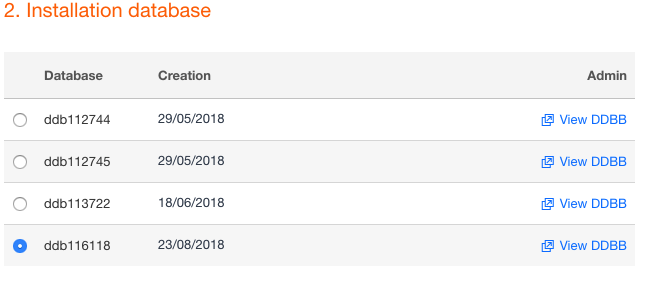
On the point number 2, select the database that you want to use (if you already have one and know what you're doing), or create a new one with the button Create Database (We recommend to use always a new database).
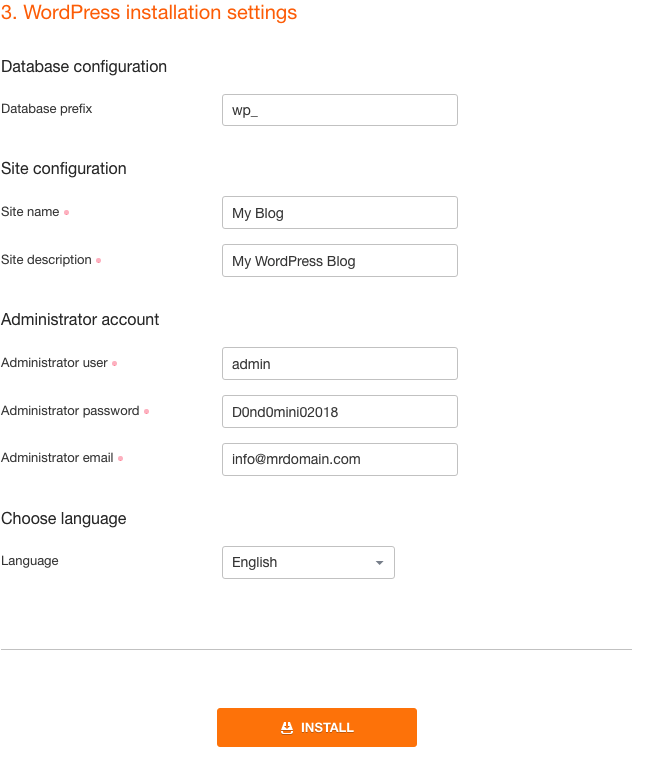
The last step is where we need to fill the next fields.
Database prefix: We will leave this parameter by default as wp_ (this parameter can only be modified if we are advanced users and want to install more than one WordPress on the same database).
Site name: here we must enter the name of the website.
Site description: here we will enter a short description of the website.
Administrator user: This is the user that we will use to enter into our new website's admin page.
Administrator password: This is the password to enter to our admin page.
Administrator email: This is the email account that we will use to restore our admin user and password, for our contact forms, etc
Language: The language that the application will be installed with.
Finally, just click on install to finish.
If it’s all correct we will see the next screen:

And finally the confirmation and the path of installation:
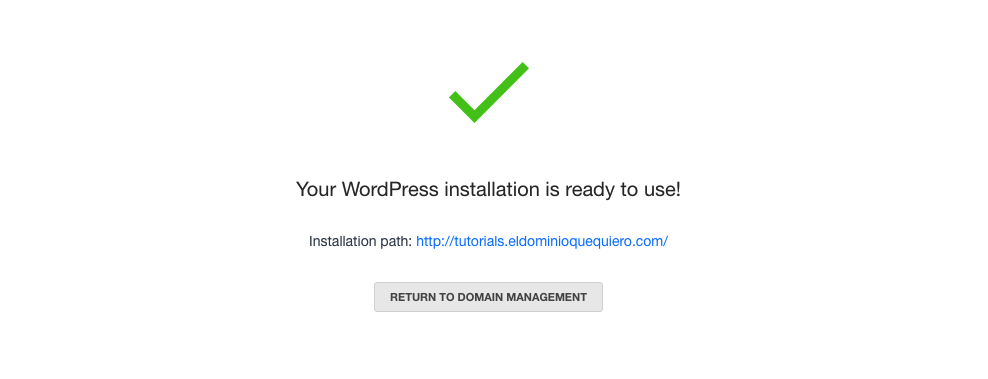
From this path we can access our wordpress, and to manage it, we must go to the path and add /wp-admin at the end on the browser URL tab, in our case:
http://tutorials.eldominioquequiero.com/wp-admin find more information about it: WordPress: Accessing the admin area