
WordPress: Accessing to the admin area
You can access the WordPress management by adding /wp-admin/ to the end of your domain in the browser, in the following example we have indicated a fictional domain, replace www.tudominio.com with the domain where your WordPress is installed:
Example: http://www.tudominio.com**/wp-admin/**
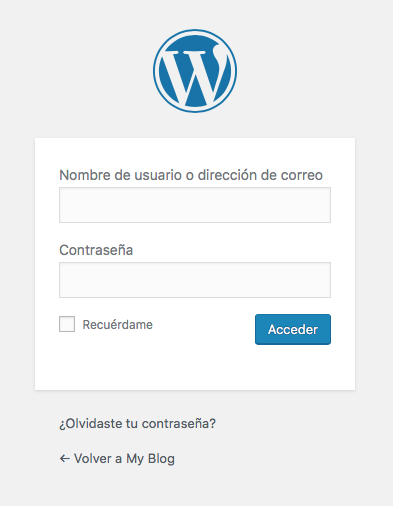
The WordPress login form will appear, where you can enter your username and password. If you wish, you can check the “Remember Me” box so you don't have to enter the details every time you access the administration.
By clicking the Login button, you will enter the WordPress administration and can start configuring it.
Remember that the WordPress login username and password are the ones you configured during the installation process. They do not have to be the same as those you use to access DonDominio. Remember that you can change the password in WordPress very easily.
Note: there are plugins that modify the WordPress administration access URL, if you use one of these plugins, you will need to enter the URL you have configured in them.