Web Constructor: Starting guide
What is Web Constructor?
Web Constructor is our visual web builder which allow you to create a website without the need of programming knowledge. This tool is offered on our Basic, Professional, Advanced and Corporate web hosting plans.
Opening Web Constructor
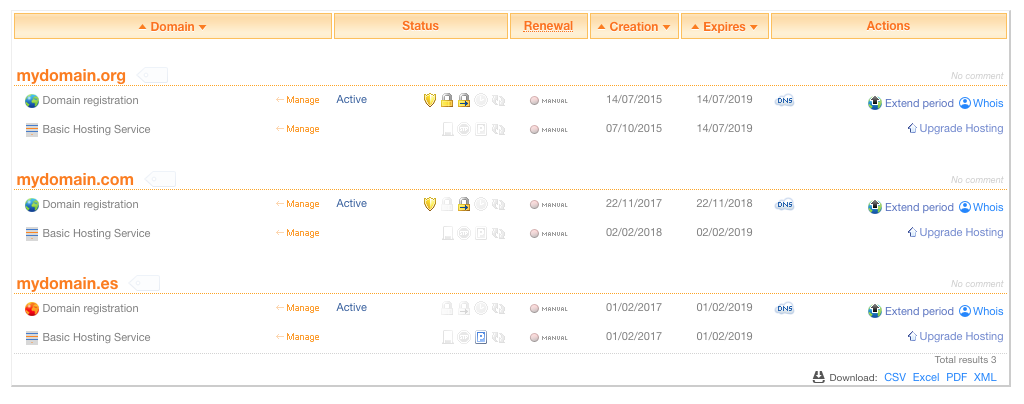
You can enter into Web Constructor going to "Hostings" and clicking on "My plans".

Now you will see a list of your domains and hosting plans.
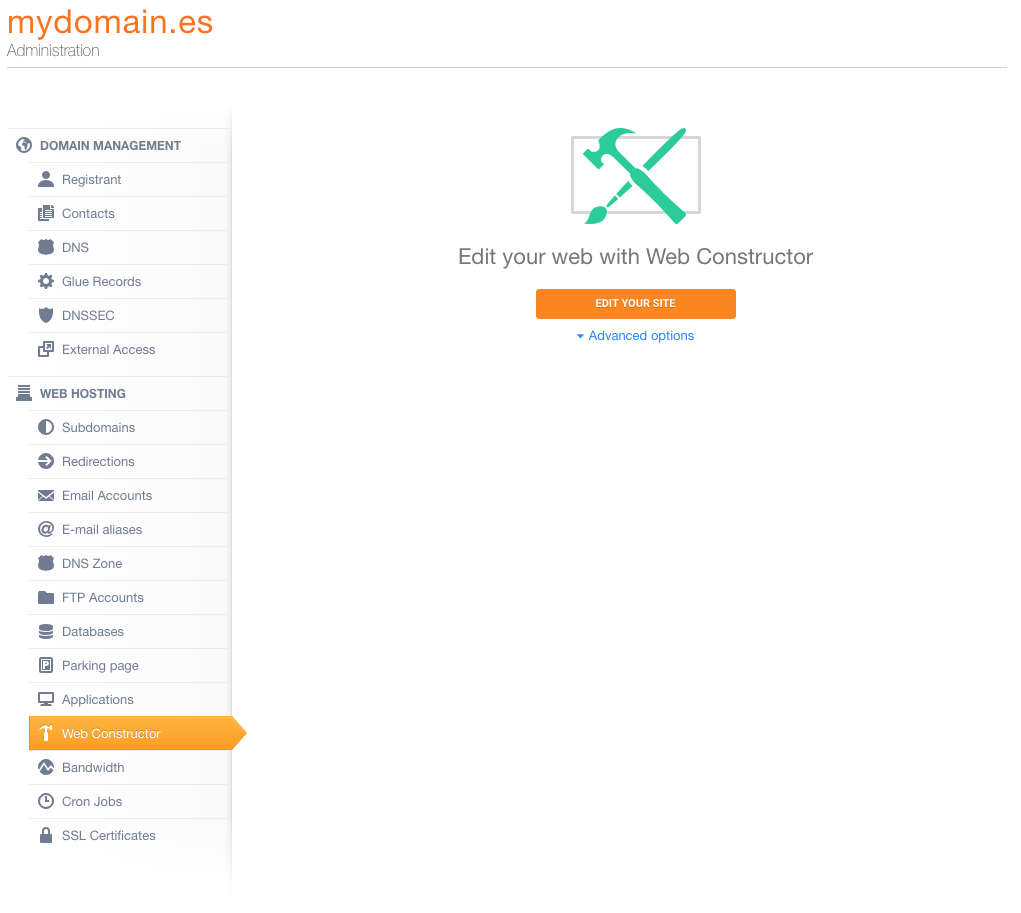
Click the hosting that you want manage and then go to the "Web Constructor" tab. Click the "Edit your site" or "Start your new website" button.
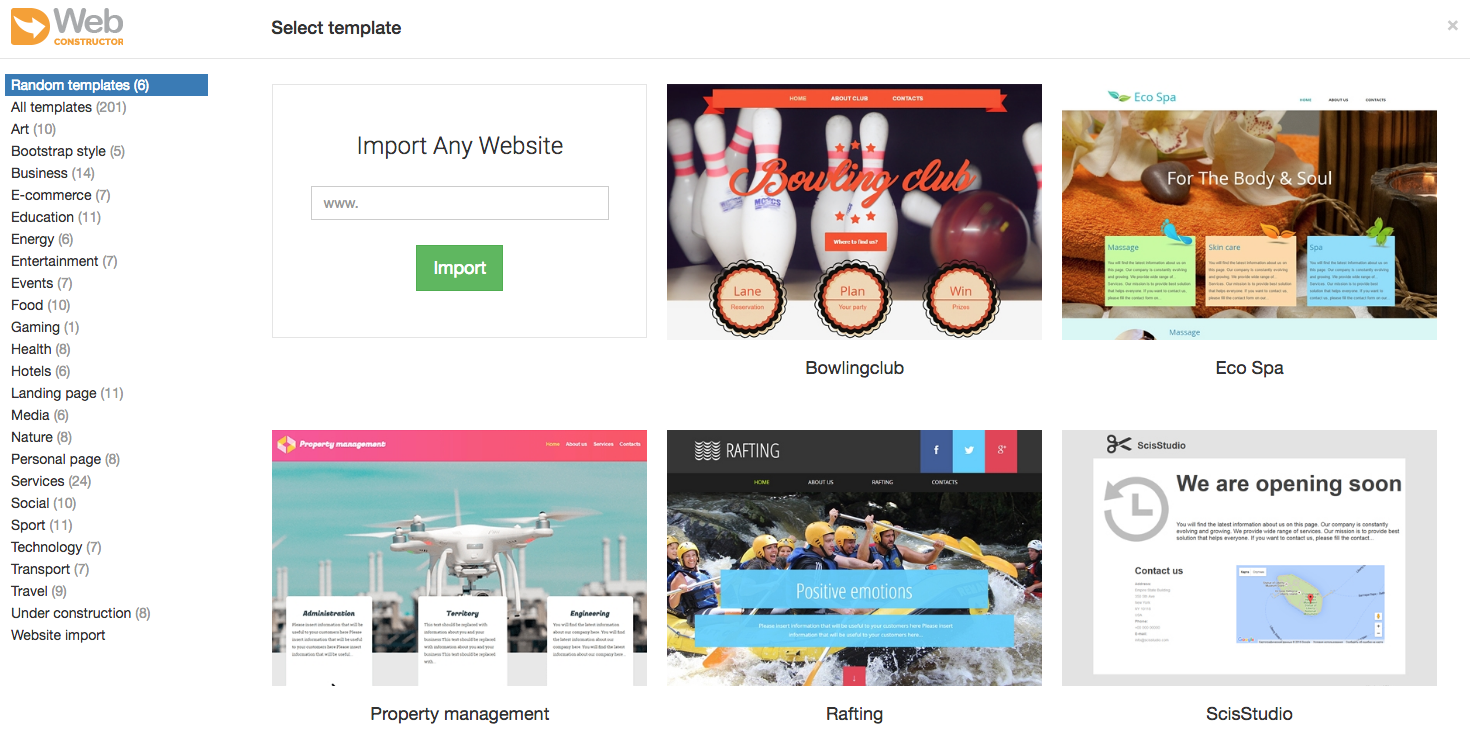
Select template
The first time you open Web Constructor you will choose the template you want to use to create your website. This template will give you some example predefined modules, you will be able to modify them completely.
If it's not the first time and you want change the template you can click the "New/Reset" button.

A dropdown menu will be opened and will appear the "Change template" option, click it.

IMPORTANT: when you change the template all content will be deleted and wont be possible to restore it.
Configure menu
The options to configure our website menu are available at the edition button .
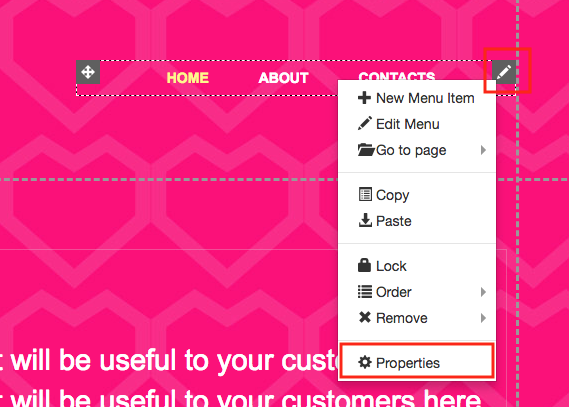
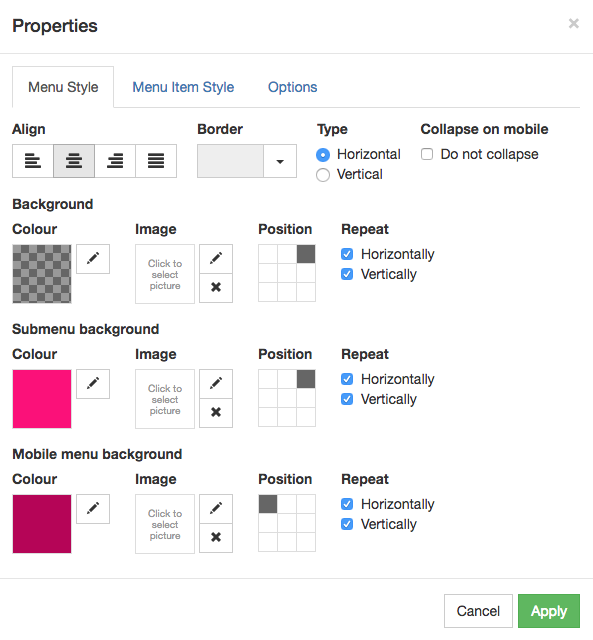
Click on "Properties" and you will see the configuration options.
Pages
You can add new pages from the topside dropdown menu, opening it and clicking the "Edit" button.

Texts
To add new texts to your page you can use the Web Constructor "Text" module. Drag and drop it and you will be able to start writing.

After drop it click the example text to modify it and see the format options.

Images
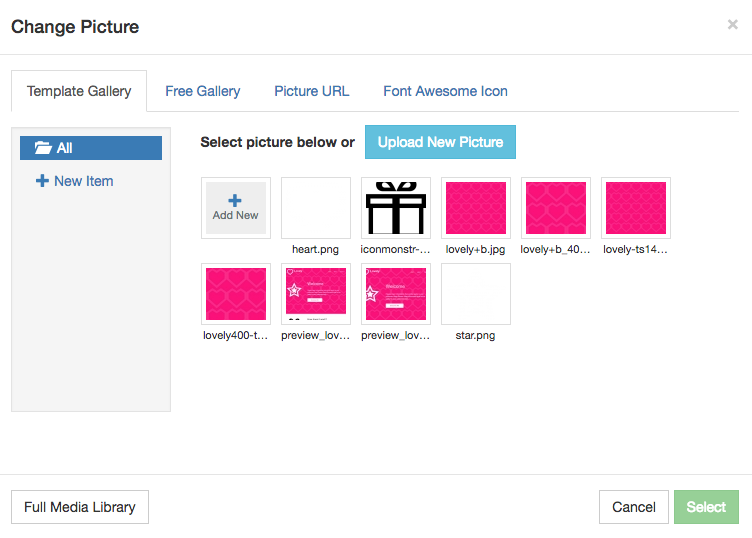
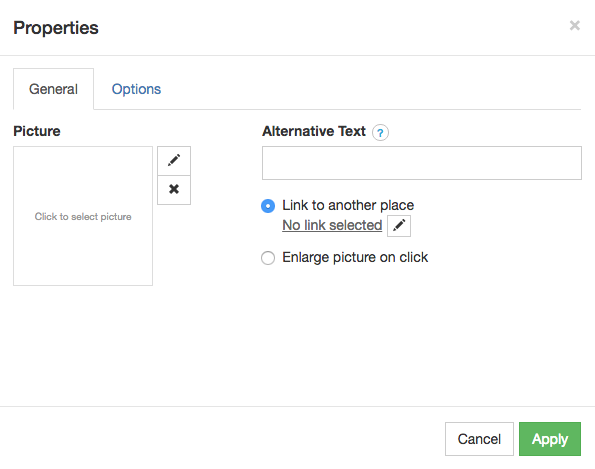
If you want add images you can use the "Picture" module. As for the "Text" module drag and drop it to insert the image.
Doble-click the module to open the upload window.
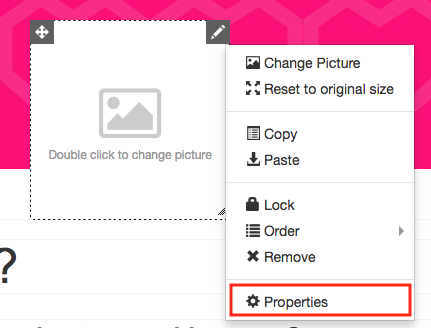
If you click the edition button you can open the "Properties to define the alternative text, size, etc.
Forms
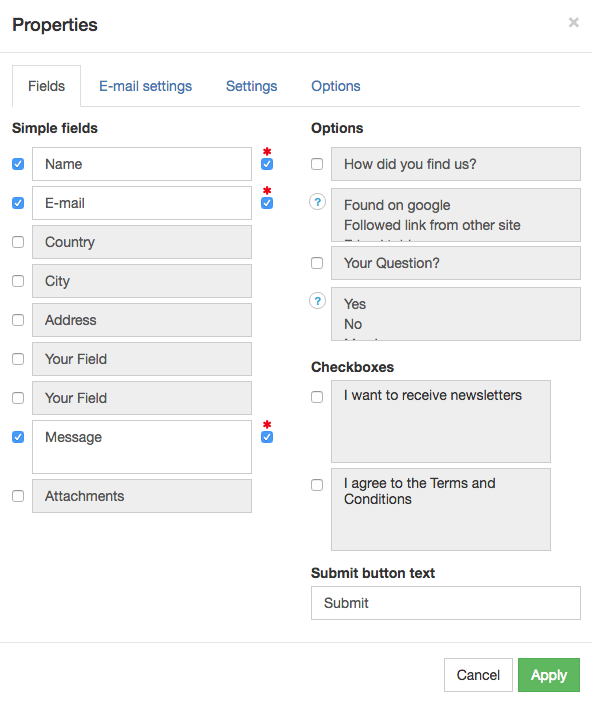
Using the "Form" module you will be able to add a contact form to your website. Again just drag and drop it and click it to open the "Properties" options.
Responsive
That tool allow you to make your web responsive, offering two options to do it. With the "Wide", "Desktop", "Tablet" and "Phone" option you will manually create the website for every view you want offer. On the other side the "Auto Layout" will automatically define it depending the visitors computer, phone, etc.
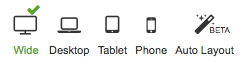
Note: Right note the "Auto Layout" option is on Beta phase so it may be modified until the definitive release.
Save/Publish
Finally after create your website you will want save or publish it. You can publish it clicking the "Publish" button.
If you only want save the changes without publish the website just put the mouse pointer over the "Publish" without clicking it, a dropdown menu will appear and click "Save Draft"